
You can link your store products to certain categories, by following these steps:
1. Navigate to Categories from the LHS menu and add new categories to your products.

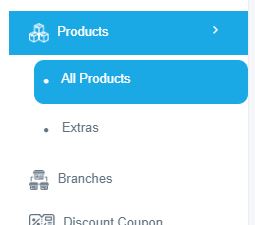
2. Navigate to "Products > All Products" from LHS menu and (Edit / Add New product), in the first tab Named (Product Details), Select Your Parent Category to the selected product.

3. Click Save to update product.

Comments
0 comments
Please sign in to leave a comment.